Word Counter
Free Word and Character Counter Online: Count Instantly
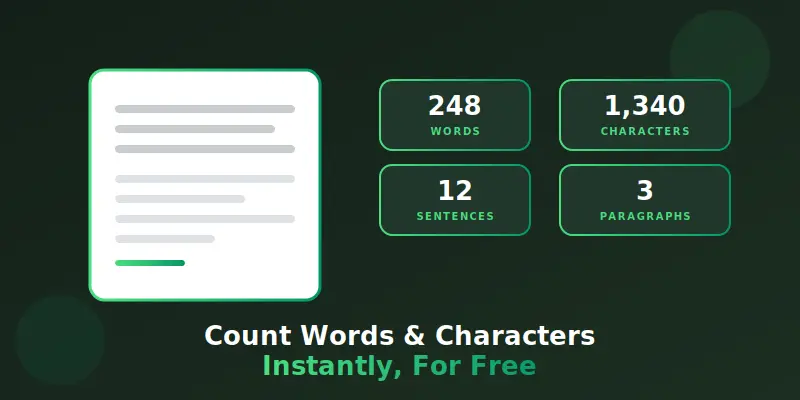
Ever needed to check if your essay, caption, or cover letter fits within a word limit, but didn’t want to count by hand? A free word and character counter online solves this in seconds. Just paste or type your text, and instantly see your word count, character count, sentence count, and even reading time. No downloads, no sign-ups, just quick, accurate results whenever you need them.
Understanding Your Text Statistics
Word counting sounds simple, but knowing what each number means helps you write better, tighter content. This section breaks down every stat this tool shows and why it actually matters.
What Does a Word Counter Actually Do?
A word counter scans your text and instantly calculates how many words, characters, sentences, and paragraphs it contains. It removes the need to count manually, which is slow and often inaccurate for longer pieces. This makes it useful for students, writers, marketers, and anyone working with word limits.
Why Word Count Matters for Writing
Many platforms and assignments come with strict word limits, from college essays to job applications. Going over or under that limit can affect how your writing is received or even whether it’s accepted at all. Checking your count as you write helps you stay on target without guessing.
Character Count vs Word Count
Character count measures every letter, number, and symbol, while word count measures full words separated by spaces. Social media platforms and meta descriptions usually rely on character limits, not word limits. Knowing both numbers helps you write for the platform you’re actually using.
Why Characters Without Spaces Matter Too
Some platforms count characters including spaces, while others don’t. This small difference can matter when you’re working with a tight limit, like an SEO meta description or a tweet. Checking both versions avoids submitting text that’s technically too long.
How Sentence Count Affects Readability
Shorter sentences are generally easier to read and keep readers engaged longer. If your sentence count feels low compared to your word count, your sentences may be running too long. Breaking up long sentences often makes writing clearer and more natural.
Why Paragraph Count Matters for Online Writing
Long, unbroken paragraphs are harder to read on a screen than on paper. Breaking your writing into shorter paragraphs improves readability, especially for blog posts and web pages. This tool’s paragraph count helps you spot when a section needs to be split up.
Understanding Estimated Reading Time
Reading time estimates how long an average reader takes to go through your text, based on typical reading speed. This is especially useful for blog posts, where readers often decide whether to continue based on estimated time. Shorter reading times can also improve engagement on time-sensitive content.
Why Speaking Time Matters for Scripts and Speeches
If you’re writing a speech, video script, or presentation, speaking time is far more useful than word count alone. People speak more slowly than they read, so a script that looks short on paper can still run long out loud. Checking speaking time helps you avoid running over your allotted time.
How Keyword Frequency Helps Your Writing
Repeating the same word too often can make writing feel repetitive or overly optimized for search engines. This tool highlights your most frequently used words, so you can catch unintentional repetition. Balancing keyword use naturally reads better and avoids sounding forced.
Common Word Count Requirements by Content Type
Different types of writing come with very different expectations. Blog posts often perform best between 1,000 and 1,500 words, while cover letters typically stay under 400. Knowing the standard for your specific content type helps you hit the right length before submitting or publishing.
Why Editing Gets Easier With Real Numbers
It’s hard to know if your writing is too long or too short just by looking at it. Seeing the actual word and character count makes editing decisions much clearer. Trimming or expanding your content becomes far easier once you know exactly where you stand.
Using This Tool for Essays, Captions, and More
This word counter works for anything you’re writing, whether it’s a school essay, a social media caption, a resume, or a blog draft. Since everything runs directly in your browser, you can check your count as often as you like while you write. There’s no limit to how many times you can use it.
Conclusion
Keeping track of your word count doesn’t need to slow down your writing process. Our free word and character counter online gives you instant, accurate stats the moment you start typing, from word count to reading time. I’d recommend checking your text a few times while drafting, not just at the end, to stay on target throughout. Try it now with your next piece of writing, and explore our other free tools to make your workflow even smoother.
FAQs:
Reading time is estimated based on an average reading speed of about 200 words per minute. It gives you a realistic idea of how long your text takes to read.
No, everything happens directly in your browser. Your text isn’t sent anywhere or stored once you close or refresh the page.
No, you can paste as much text as you need, whether it’s a short caption or a full article. The tool updates instantly as you type or paste.
